Contents: Turning on the power supply ⇊ Volume control ⇊ Adjusting tone and balance ⇊ Switching modes ⇊ Listening to radio broadcasts ⇊ Entering radio station reception…⇊ Automatic input of radio station…⇊ Turning on the information station ⇊
The system is ready for operation when the ignition key is in position "I" or "II".
Turning on the power supply
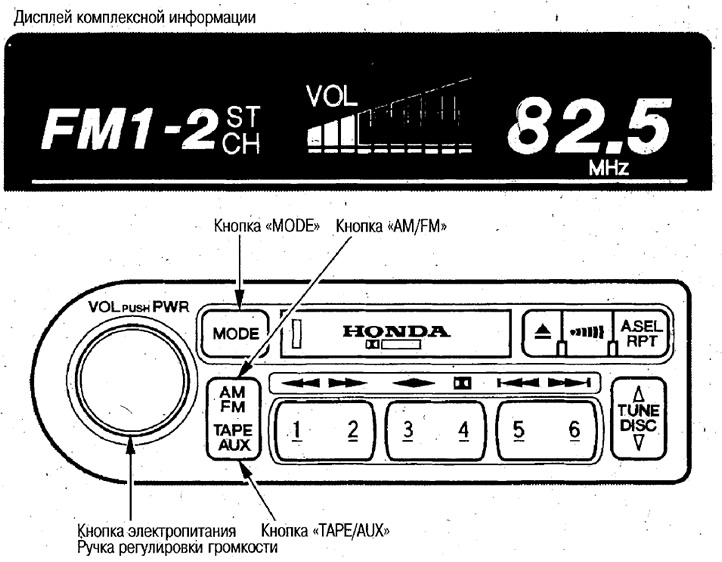
To turn on the audio system, press the power button. If you press this button several times, it will switch to "ON" <--> "OFF". In addition, the audio system can be turned on by pressing the AM/FM or TAPE/AUX buttons.
Note: Models with the Premium Audio System have a power amplifier. This amplifier consumes a lot of power, so do not use the audio system for a long time with the ignition key in the "I" position, as this may drain the battery.
Volume control
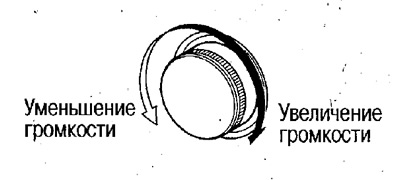
Adjusting tone and balance
If no action is taken, the adjustment mode is cancelled after 5 seconds.
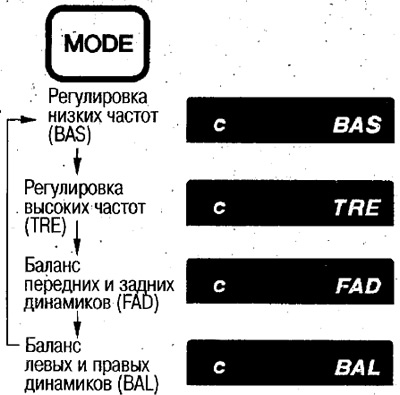
When the tone and balance are set to the middle positions, the "C" symbol is displayed on the display.
Switching between tone and balance displays
Each time you press the "MODE" button, the display switches to the following display.
Tone control
Select bass (BAS) or treble (TRE).
Make adjustments using the (VOL) knob.
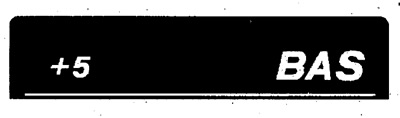
Example: Increase the bass level (BAS) by +5.
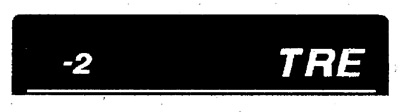
Example: Reduce the high frequency level (TRE) by -2
Balance adjustment
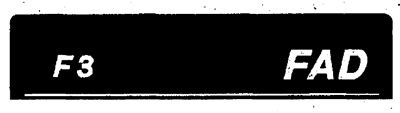
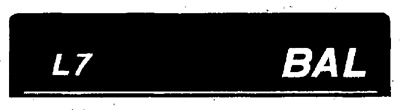
Select the balance between the front and rear speakers (FAD) or between the left and right speakers (BAL). Adjust with the knob (VOL).
Example: Increase the volume of the front speakers (FAD) by 3 units.
Example: increasing the volume of the left speakers (BAL) by 7 units.
Switching modes
AM/FM button

This button is used to select the broadcast frequency range.
TAPE/AUX button

If you press this button when a cassette is inserted, the cassette will start playing.
This button also turns on the CD/MD changer or CD/MD player, if installed.
Models with CD changer
When there are discs in the CD changer, pressing this button switches between CD playback and cassette playback.
Listening to radio broadcasts
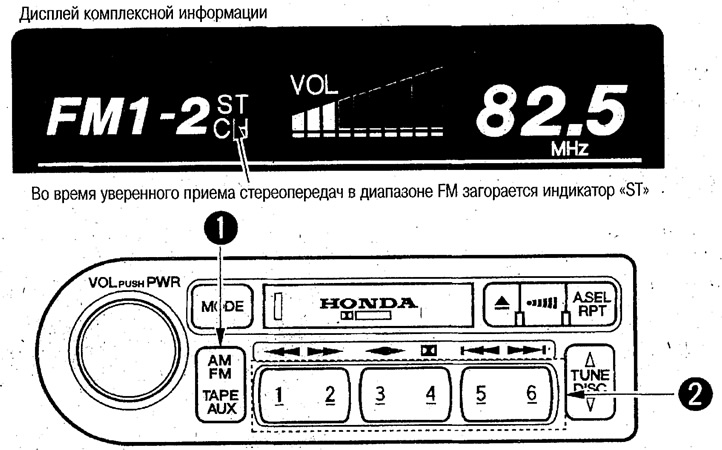
1. Switch the audio system to radio listening (AM/FM button) and select the broadcast range.
This button selects the AM/FM1/FM2 broadcast ranges.
2. Select the desired radio station (preset radio frequency buttons).
If the frequencies of radio stations are entered into memory in advance, you can select one of them. You can memorize up to 6 AM radio stations and up to 12 FM radio stations (6 stations on FM1 and FM2).
Entering radio station reception frequencies into memory
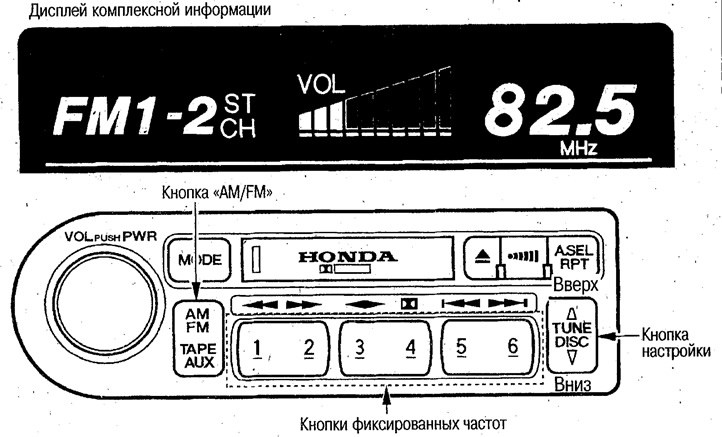
1. Use the AM/FM button to select the AM, FM1 or FM2 broadcast range.
2. Use the tuning button to select the desired radio station.
If you press the button briefly, the frequency will change gradually (manual tuning).
If you press the button before the sound signal appears, the frequency will change until the radio station is received.
If the received signal is weak and you are unable to tune to a radio station automatically, then tune to this station manually.
3. Press (for about 2 seconds) one of the radio station preset frequency buttons until a beep is heard.
If the power supply is disconnected (for example, if the battery is removed or the fuse is changed), the data entered into the memory is erased. After replacing the battery or replacing the fuse, enter the radio frequencies into the memory again.
Automatic input of radio station reception frequencies into memory
This mode can be used when you enter an area where previously entered radio station frequencies are not received.
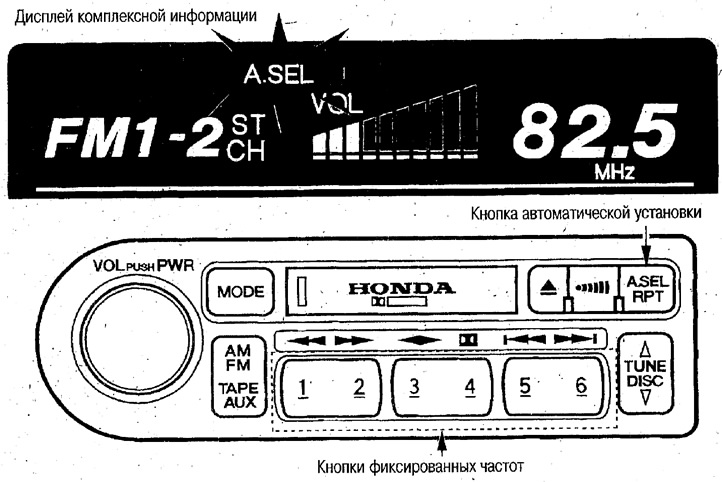
Press the automatic selection button (the "A.SEL" indicator will flash on the display).
Radio stations with strong signals will be automatically entered into memory in order of increasing frequencies (6 radio stations in the AM range and 6 radio stations in the FM range). After entering the frequencies into memory, the "A.SEL" indicator will light. To turn off this mode, press the automatic selection button again. In this case, the frequencies of the radio stations that were entered earlier will return to memory.
If the number of radio stations is not enough to fill the entire memory, the remaining part will be unwritten. If you press a button that was not entered into memory, the frequency "0" will be displayed.
Radio station frequencies entered into memory automatically can be changed individually.
Turning on the information station
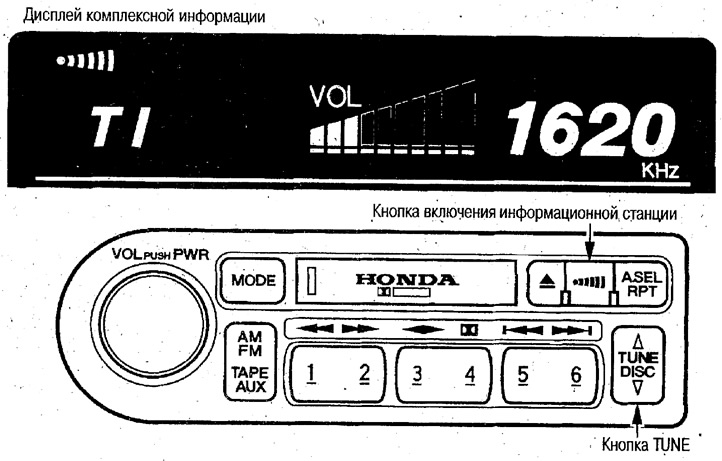
If you press the button to turn on the information station, "T1" lights up on the display and the reception of the information station begins. When switching stations by pressing the tuning button, (1620 kHz) will be displayed <--> 1629 kHz).
To turn off this station, press the information station power button again.
Note: Instead of information station frequencies, you can enter frequencies of other stations.