
Contents: Playback ⇊ Changing the direction of the tape ⇊ Removal the cassette ⇊ Fast forward and rewind, rewind to…⇊ Listening to the same recording ⇊ Listening to recordings with the…⇊
Playback
Changing the direction of the tape
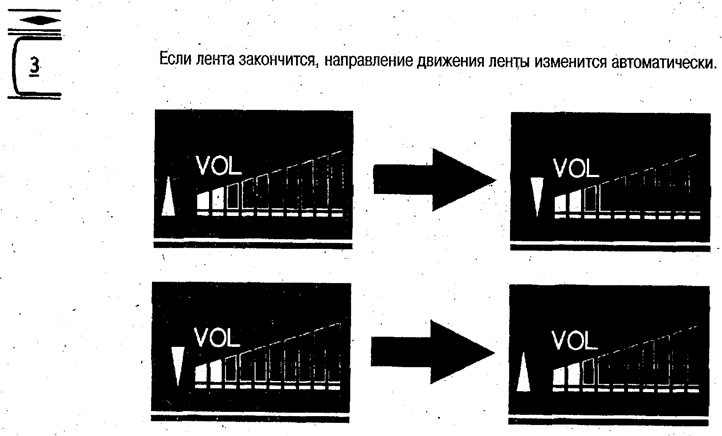
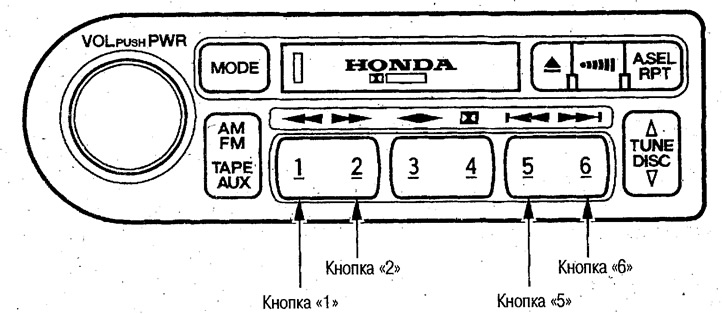
To change the direction of the tape, press button "3". If the tape runs out, the direction of the tape will change automatically.
Removal the cassette
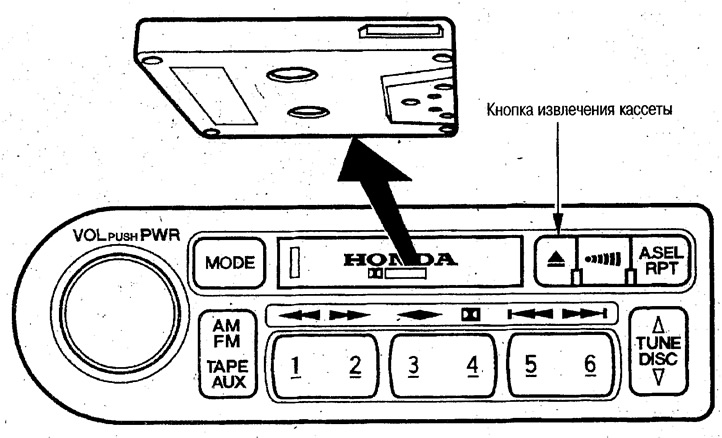
Press the cassette eject button. The cassette can be ejected by pressing the button even if you turn the ignition key to position "0" during cassette playback.
Fast forward and rewind, rewind to the beginning of the recording
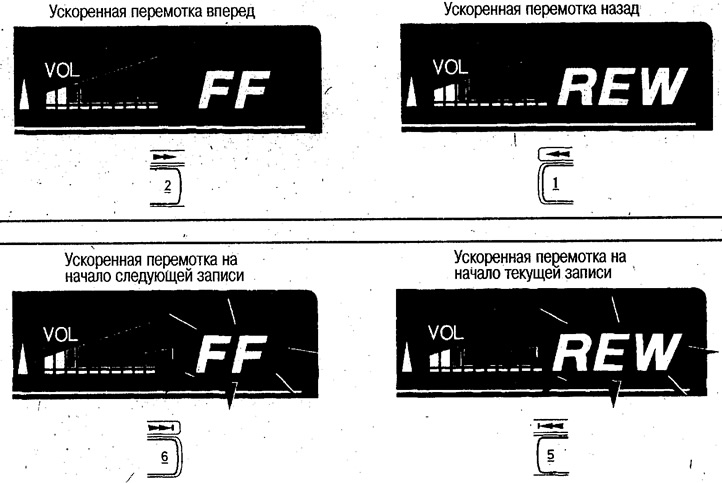
To fast forward/rewind, press the 2/1 button (the "FF/REW" indicator will light on the display).
Pressing the 6/5 button will rewind the tape to the beginning of the next/current recording. To interrupt fast forward/rewind, press the corresponding button again.
Note: If the recording is interrupted for 4 seconds or more or there is noise, the tape may not rewind to the beginning of the recording.
Listening to the same recording
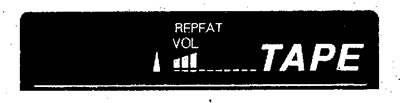
Press the RPT button (the "REPEAT" indicator will light up on the display).
To cancel this mode, press this button again.
Listening to recordings with the DOLBY NR noise reduction system
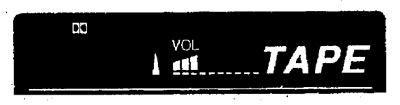
If you listen to a tape recorded with Dolby NR noise reduction, you can listen to recordings with low noise levels.
To turn the noise reduction system on or off, press button "4".
When the noise reduction system is operating, the indicator on the display lights up
 .
.